3D Rendering for Real Estate: How Visualizations Help Sell Properties
3D rendering for real estate helps sell properties by letting buyers see a finished home before it exists, or see an existing one at its best. Photorealistic images, walkthroughs and 3D floor plans turn flat drawings into something people can actually picture themselves living in. These visuals can help buyers understand a property, support pre-construction marketing, and give developers promotional assets before photography is possible. In the US, where most buyers start their search on a phone, a strong visual often decides whether a listing gets saved or scrolled past. This guide to 3D rendering for real estate covers what it is, how it supports a sale, which render types matter, and how to avoid the mistakes that make visuals look fake.
What Is 3D Rendering for Real Estate?
3D rendering for real estate is the process of turning architectural drawings or a 3D model into photorealistic images, animations, or virtual tours of a property, so buyers can see it clearly before it is built, renovated, or furnished. Developers, builders, architects, and listing agents use it to market homes, condos, and commercial space.
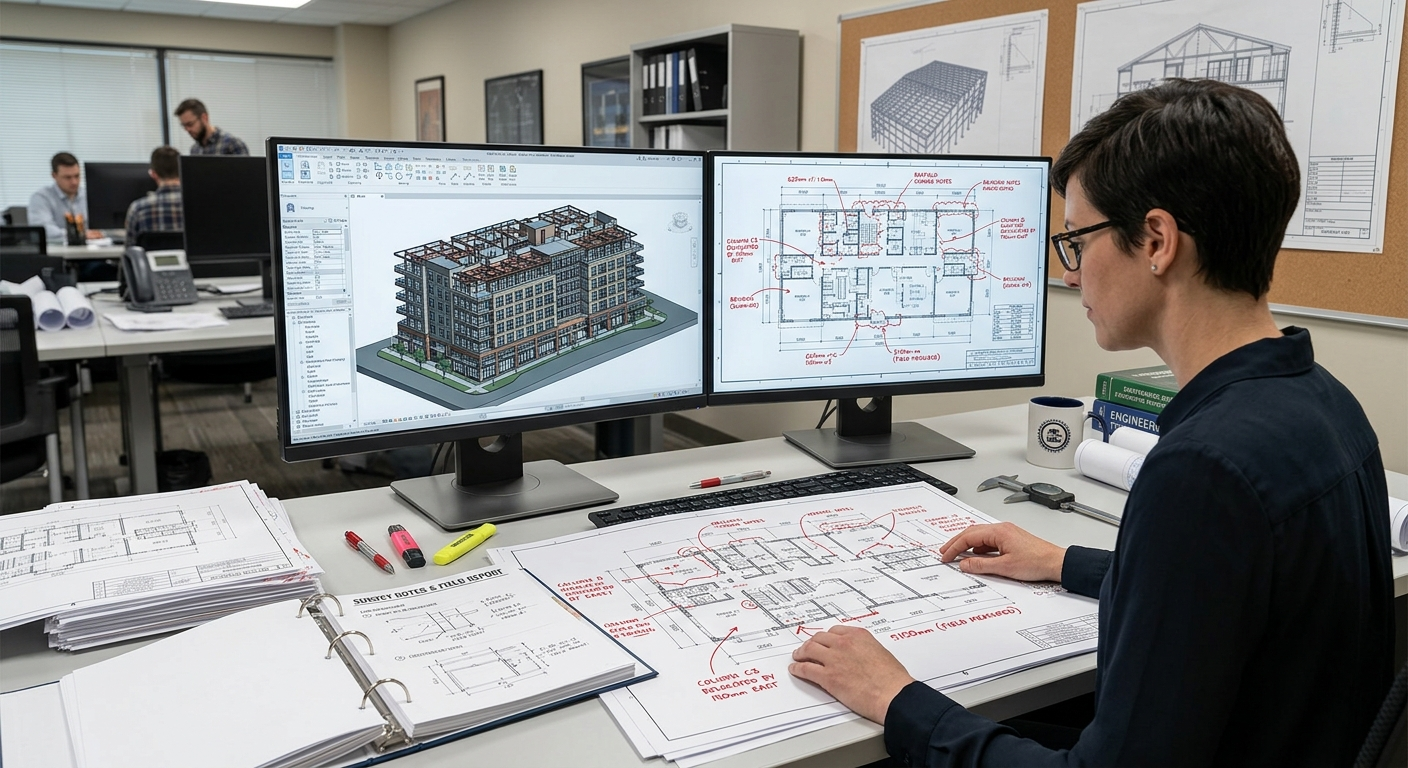
It starts with the same documents a contractor builds from: floor plans, elevations, sections, and finish schedules. An artist models the space, applies real materials and lighting, and renders the result. Because the image comes from actual drawings, it is tied to the building, not to someone’s imagination. That is why a render built from accurate plans is easier to trust, while an inaccurate one can be easy to spot. Learn more about our 3D rendering services.
According to the National Association of REALTORS 2024 Profile of Home Buyers and Sellers, 43% of buyers began their home search online, while 31% found floor plans very useful on property websites. These findings highlight the importance of clear, informative property visuals in online marketing. 3D rendering for real estate complements floor plans by helping potential buyers visualize a property’s layout, finishes, and design before an in-person visit.
How 3D Visualizations Help Sell Properties
Here is where 3D rendering for real estate moves a sale forward, based on how buyers and sales teams really behave.
1. Buyers can commit to something that isn’t built yet
Pre-sales are where 3D rendering earns its keep. A developer opening a 40-unit condo project needs a listing page, a sales gallery and brochure imagery long before the foundation is poured. Renders give the sales team something concrete to show, and they help buyers evaluate the proposed design before deciding whether to reserve a unit that is still an empty lot. Without them, you are asking people to trust a site plan and a sales pitch.
2. They remove the guesswork
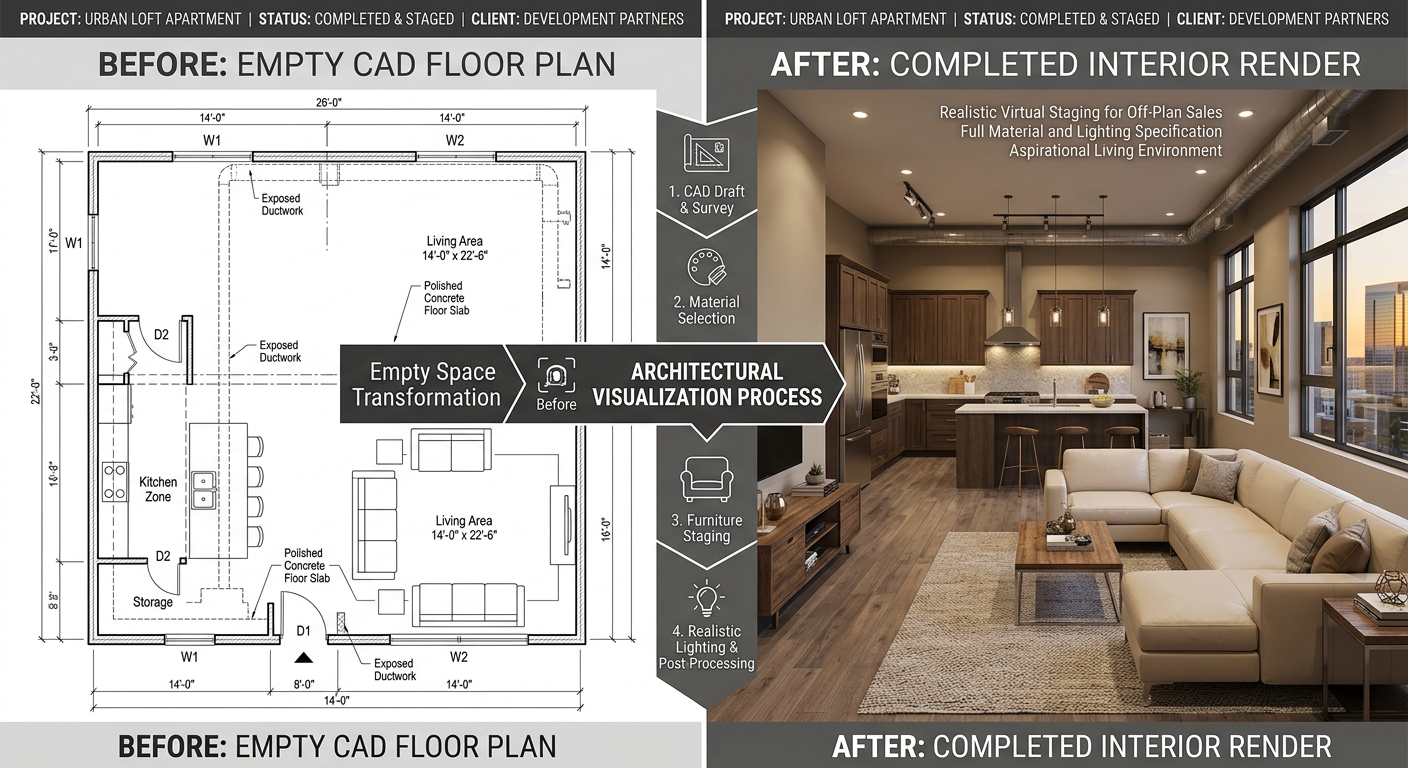
Most people can’t read a floor plan. They can’t tell whether a ten-foot ceiling feels airy, or whether the kitchen island leaves enough room to walk past the fridge. A render answers those questions at a glance. Fewer unanswered questions means fewer buyers who walk away simply because they couldn’t picture it.
For clearer layouts and realistic furniture placement, explore our 3D floor plan services.
3. They make a listing stand out online
Every agent knows the first image decides whether someone taps through. Used well, 3D rendering for real estate gives you clean, well-lit, photorealistic 3D renders for listings that hold attention in a crowded feed, especially for new construction where photography isn’t an option yet. The same images also work everywhere you need them: MLS, social ads, email campaigns, yard signs and the wall of the sales center.
For new-build marketing, 3D exterior rendering services can showcase curb appeal, landscaping and the finished property’s overall appearance.
4. They catch design problems before they get expensive
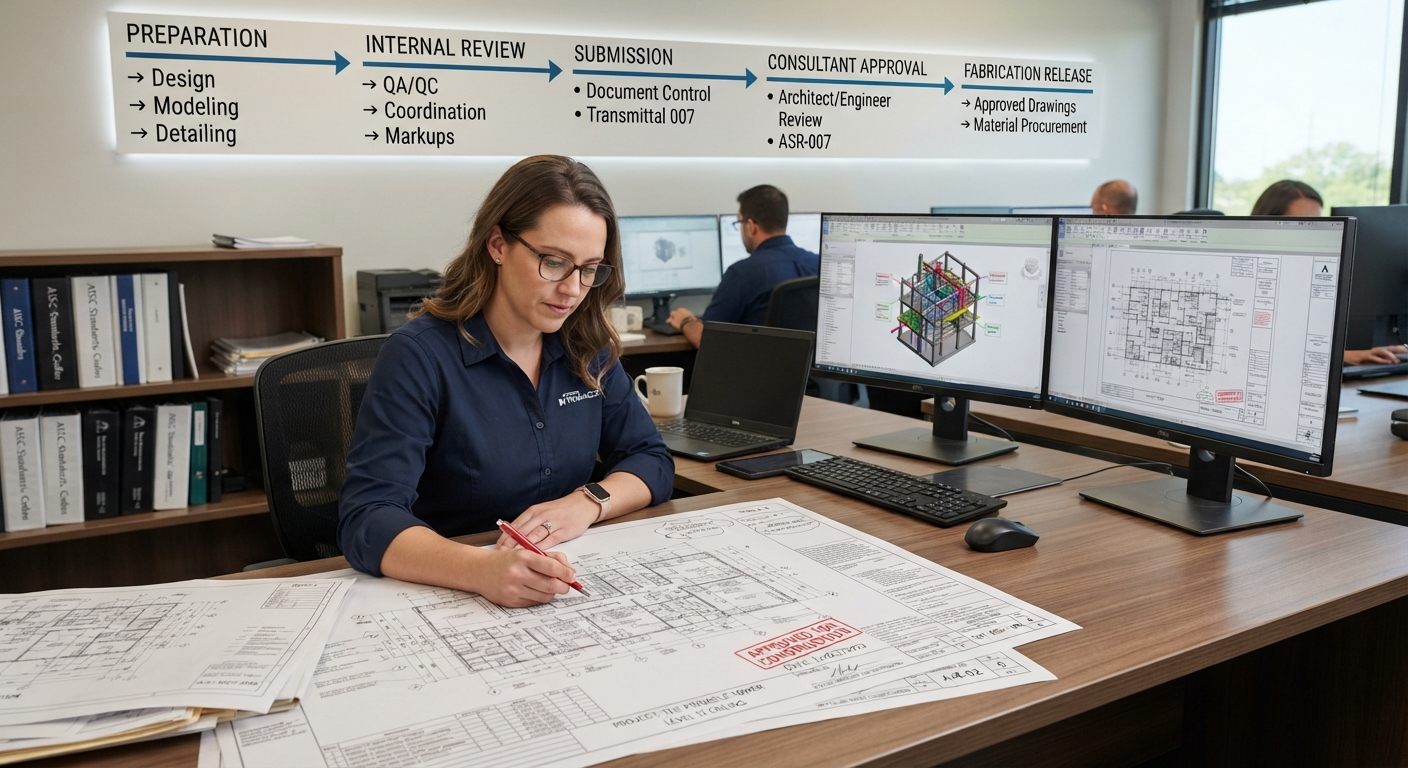
Walking a client through a render exposes potential design problems early, such as a window that conflicts with a staircase or a finish that looks different under warm lighting. Fixing these issues in the model is usually easier than making changes on site. Coordinating architectural plans with building systems is equally important for identifying potential conflicts before construction. Explore our guide to MEP coordination drawings to learn how teams coordinate mechanical, electrical, and plumbing systems. Pairing 3D visualization with accurate material takeoff services also helps align visual designs with project quantities and budgets.
5. They speed up decisions
Want to show three kitchen finishes or two facade options? Swapping materials in a model is quick. Buyers compare options on screen instead of squinting at a sample board, and that usually means fewer return visits before they decide. For a sales team, clear visual comparisons can help buyers evaluate design options.
For furnished living rooms, kitchens and other interior spaces, explore our 3D interior rendering services.
Types of 3D Rendering for Real Estate
Not every property needs every format. Here is how the main types compare.
Render type | Best for | What buyers get |
3D exterior rendering | New builds, curb appeal, site context | Street-level and aerial views with landscaping and real lighting |
3D interior rendering | Kitchens, living areas, model units | Furnished, finished rooms with realistic materials |
3D floor plan rendering | Listings and brochures | A furnished top-down layout that is easy to read |
| Walkthrough animation | Large developments | A guided path through the project |
| 360° virtual tour | Online listings | Interactive viewing from a phone or laptop |
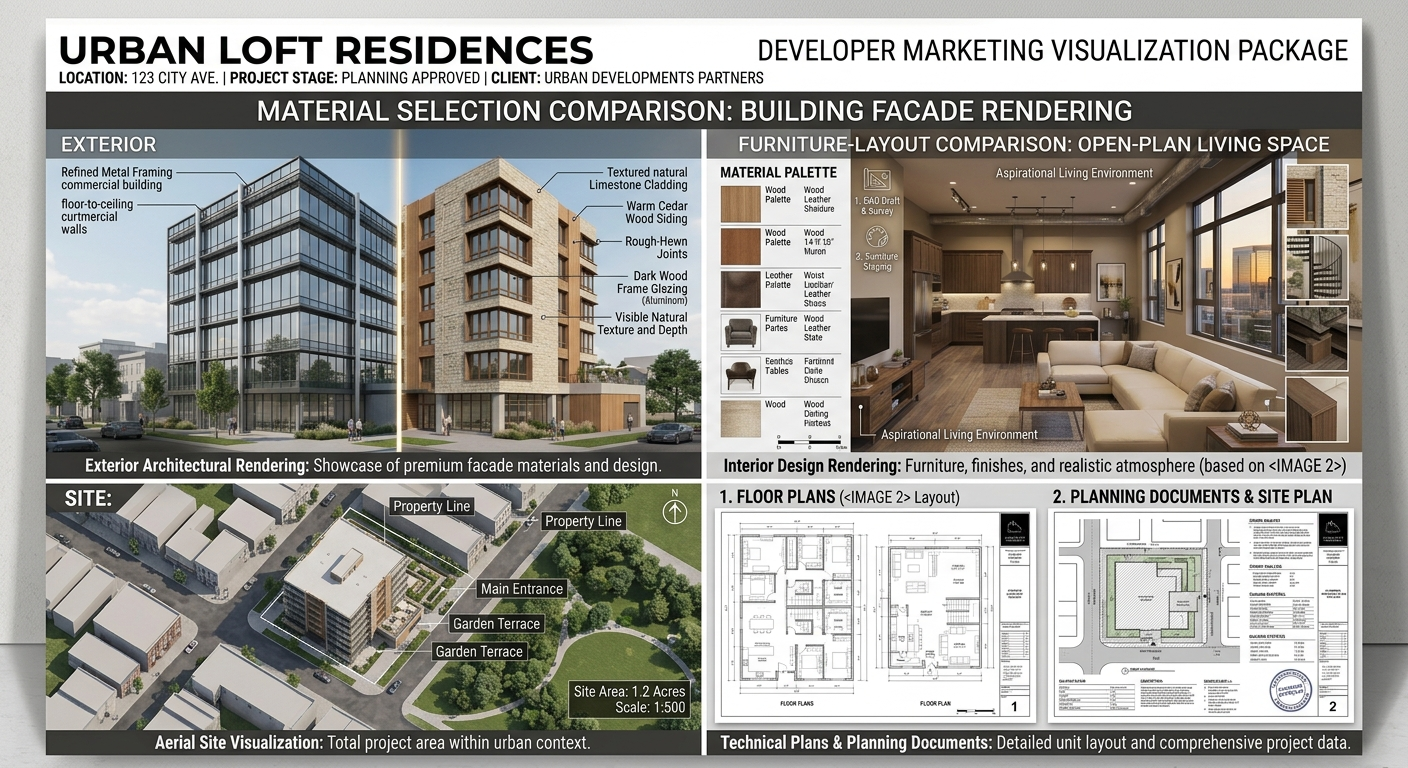 If you’re unsure where to start, a full set of 3D rendering services usually bundles one exterior hero shot, two or three key interiors and a floor plan. That mix covers most listings and makes property rendering affordable even for a single home.
Pre-Construction Marketing with Real Estate 3D Visualization
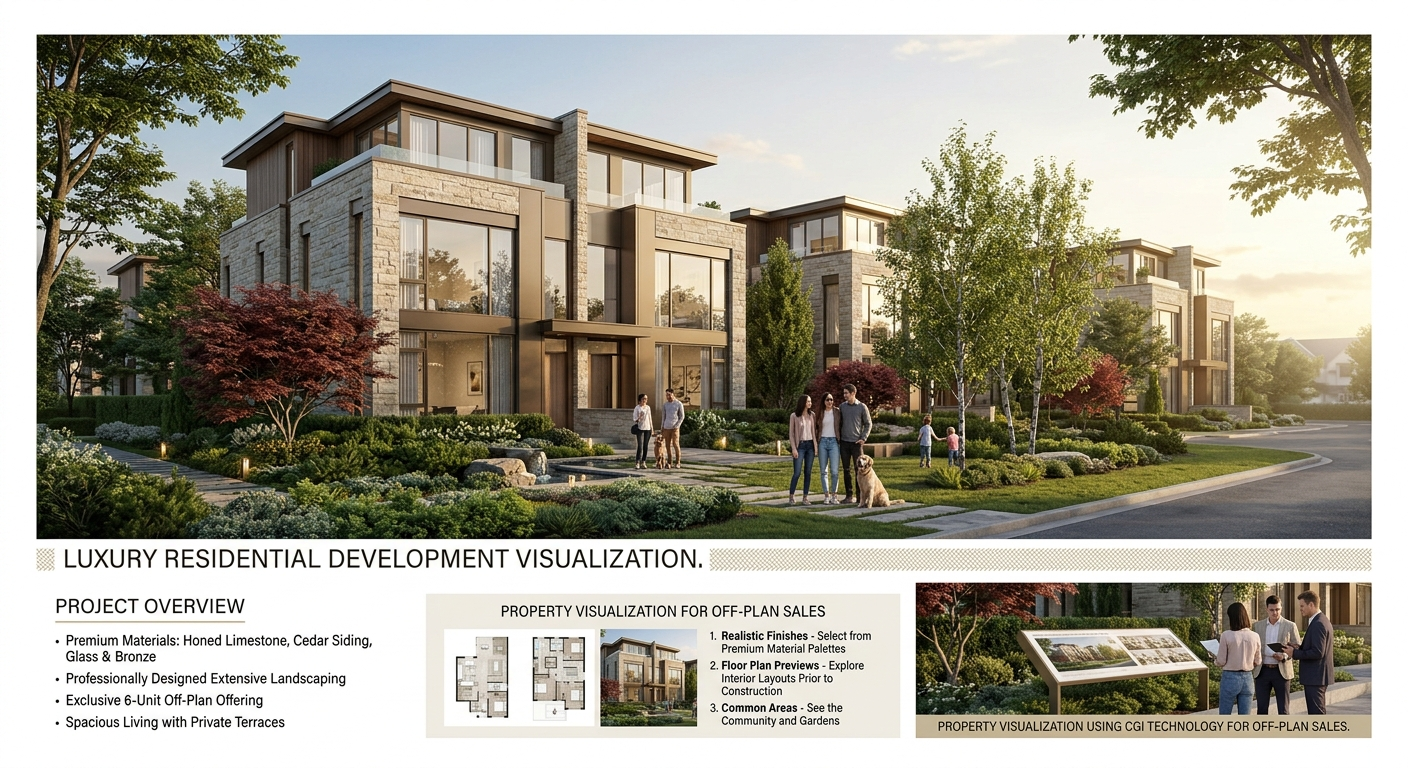
Pre-construction marketing is where 3D rendering for real estate pays off the most. Picture a builder planning 24 townhomes. Without visuals, the sales team hands out site plans and spec sheets. With real estate 3D visualization, the same team shows a streetscape render, a furnished main-floor interior and a floor plan for each unit type, all before permits are final. Investors and lenders respond to it too, because it shows the project as a product, not a promise.
A few things make this work in practice:
- Show the building in its real setting, with correct neighboring structures, trees and sun angle.
- Render the unit types buyers will actually choose, not just the flashy penthouse.
- Keep finishes in line with what the contract allows, so the home delivered matches the home advertised.
- Use the same images on the website, brochure and on-site signage so the message stays consistent.
That third point matters for reputation and for disputes. Many US developers add a note that images are artist’s impressions, but buyers still remember what they were shown.
Start With 3D Floor Plan Rendering
If the budget is tight, 3D rendering for real estate doesn’t have to begin with cinematic images. 3D floor plan rendering is usually the best first spend. A flat 2D plan shows walls and door swings. A 3D version adds furniture, flooring and scale, so a buyer instantly sees where the sofa goes and whether the dining table fits. It works for resale homes, apartments and new builds, and it drops straight into MLS listings and brochures. Our 3D floor plan services are built for exactly this. For a deeper look at the difference, read our guide on 2D and 3D floor plan rendering.
Who Gets the Most Out of It
- Developers and builders: Sell units before construction and give investors something tangible.
- Listing agents: Market vacant, dated or unfinished homes without waiting for a finished product.
- Architects and designers: Get client approval faster and reduce late redesigns.
- Homeowners and flippers: Show what a renovation could look like on a tired property.
3D Rendering for Real Estate vs. Photography vs. Virtual Staging
| Comparison | 3D rendering | Photography | Virtual staging |
Needs a finished building? | No | Yes | Yes (a photo of an empty room) |
Best for | New builds and unbuilt designs | Move-in-ready homes | Vacant resale homes |
Can I change finishes? | Yes, easily | No | Furniture only |
| Typical use | Pre-sales | Final listing | Empty listings |
Treat them as partners rather than rivals. 3D rendering for real estate carries you through the pre-sale phase, and photography takes over once the keys are ready. Virtual staging fills the gap for empty resale homes.
How to Order 3D Rendering for Real Estate, Step by Step
Getting good results is mostly about preparation. Follow these steps and your 3D rendering for real estate projects will move faster with fewer revisions.
- Define the goal: Pre-sale marketing, a single listing or an investor deck? The goal decides how many images you need and which types.
- Gather the source files: Floor plans, elevations, the site plan and any CAD or Revit models. Clean drawings cut turnaround time.
- Share finishes and references: Flooring, cabinetry, paint colors, fixtures, plus a few photos of the look you want.
- Approve a draft view: Review a rough 3D view for layout, camera angles and furniture before final rendering starts.
- Send revisions in one round: Consolidate feedback so the artist isn’t chasing a trickle of small changes.
- Receive final files: Ask for web-sized and print-sized versions.
- Publish consistently: Use the same set across the listing, ads and brochure.
Want a sense of budget before you commit? Contact our team through the Engineering Geni contact page to discuss your project scope and request a quote.
Mistakes That Make 3D Rendering for Real Estate Look Fake
Buyers can spot a fake image in seconds. These are the usual culprits, with the fix for each.
1. Wrong scale: Furniture that’s too big or too small makes buyers feel something is off.
Fix: have the artist work from dimensioned drawings.
2. Over-staged rooms: Every surface styled like a magazine reads as unrealistic.
Fix: add small, believable details, like a throw on the sofa or books on a shelf.
3. Flat lighting: Uniform or harsh light makes rooms look like video game screenshots.
Fix: use a real sun angle and warm interior light.
4. Mismatch with the build: Finishes in the render differ from the spec, which leads to complaints at closing.
Fix: lock the finish schedule before rendering begins.
5. No story: Ten near-identical images dilute the message.
Fix: pick the few views that sell the home best.
What Does 3D Rendering for Real Estate Cost?
Pricing varies by detail, image count and turnaround, so treat any figure as a ballpark. A single exterior still commonly runs from a few hundred dollars to a couple thousand, interiors are usually priced per room, and animations cost more than stills. Costs go up with complex custom designs, tight deadlines and many revision rounds. Ask for a per-image quote and confirm what’s included before you start. Compared with the price of a stalled listing, 3D rendering for real estate is usually a modest line item.
FAQs About 3D Rendering for Real Estate
1. What is 3D rendering for real estate?
3D rendering for real estate is the process of creating realistic digital images, animations, or virtual tours from architectural drawings or 3D models. It helps buyers visualize a property’s layout, materials, lighting, and finished appearance before construction or renovation is complete.
2. How does 3D rendering help sell a property?
3D rendering helps market a property by showing buyers what a finished home or commercial space could look like. Realistic interior and exterior visuals can make listings easier to understand, support pre-construction marketing, and help potential buyers evaluate design features before scheduling a visit.
3. How much does 3D rendering for real estate cost?
The cost of 3D rendering for real estate depends on the project’s size, level of detail, number of images, and revision requirements. A single-room rendering generally requires less work than a complete residential development with multiple interiors, exteriors, and aerial views. Request a project-specific quote for accurate pricing.
4. How long does real estate 3D rendering take?
Real estate 3D rendering typically takes several business days to a few weeks, depending on the project’s complexity, the number of views, the quality of the supplied drawings, and the number of revisions. Providing complete plans, material selections, and reference images can help reduce delays.
5. Is 3D rendering worth it for a single home?
Yes, 3D rendering can be worthwhile for a single home, especially for custom builds, luxury properties, renovations, and homes marketed before construction is complete. A carefully selected exterior view and a few interior renderings can help communicate the property’s design and finishes to prospective buyers.
6. What files are needed for 3D real estate rendering?
The most useful files for 3D real estate rendering include floor plans, exterior elevations, sections, site plans, and available CAD or Revit models. Material specifications, color selections, furniture references, and lighting preferences can also help the rendering team produce visuals that match the intended design.